






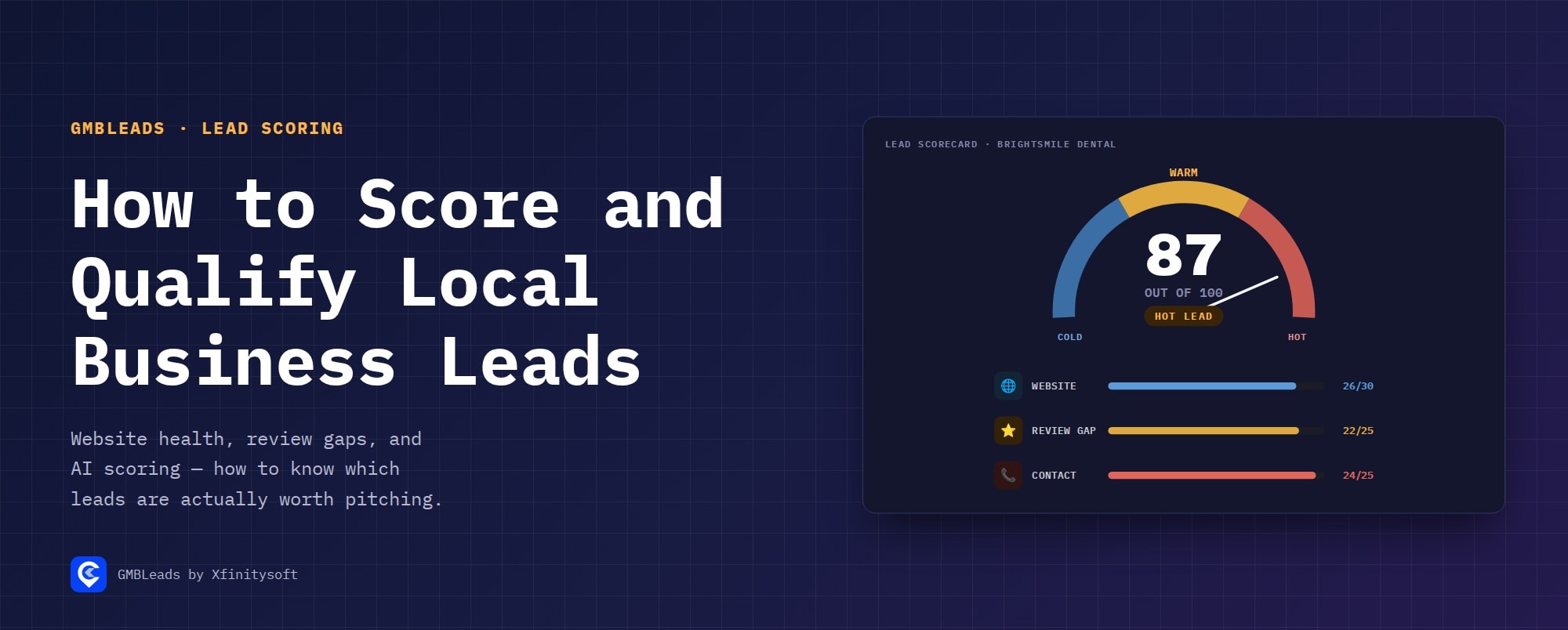
Local business lead scoring is the process of ranking scraped businesses by how likely they are to convert into a client — typically combining website health, review performance versus local competitors, and how reachable the business actually is (verified email, phone, WhatsApp) into a single number. A good score turns a flat list of 300 businesses into a short list of 40 worth calling first.
Why Score at All?
Every business on a scraped list looks the same until you check it. Scoring does that checking automatically, so the businesses with a genuinely bad website, a visible review gap, or an easy way to reach them rise to the top — instead of working the list in the order it was scraped.
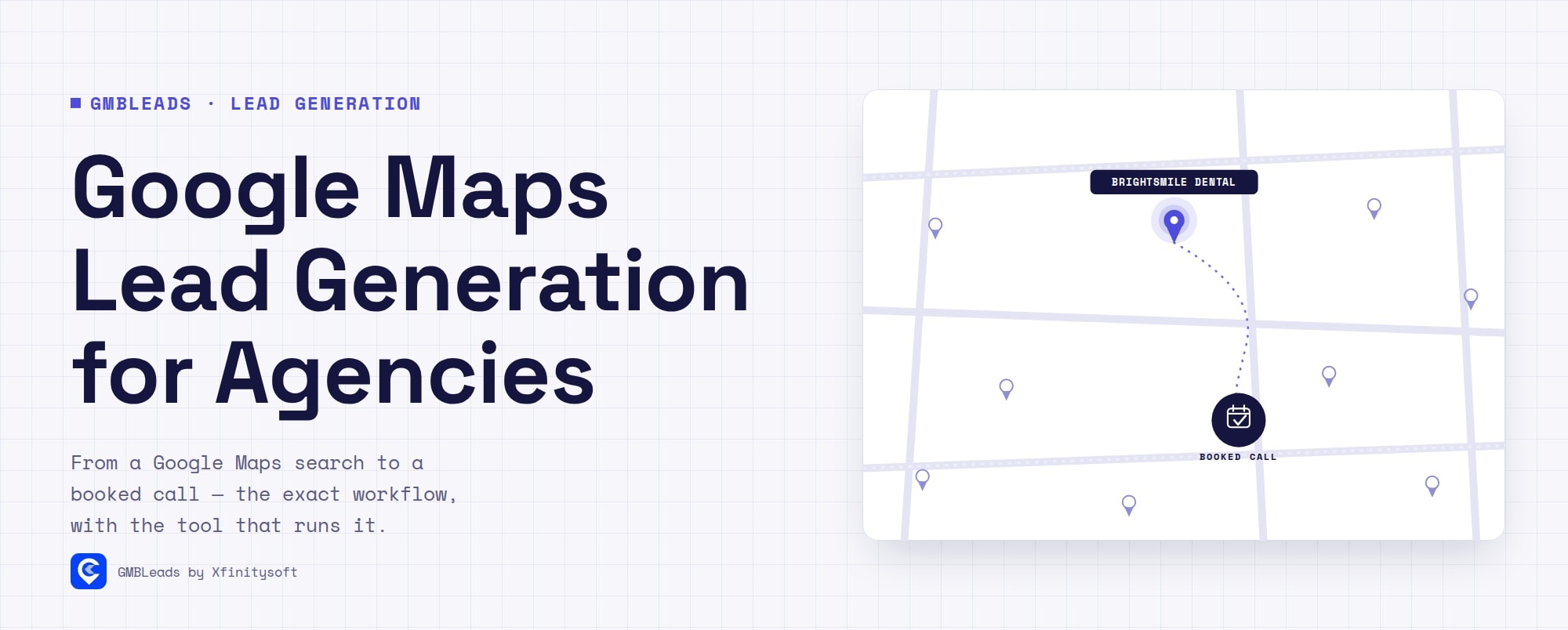
This is Step 2 of the full pipeline — see Google Maps Lead Generation for Agencies for how scoring fits between scraping and outreach.
What the Score Is Built From
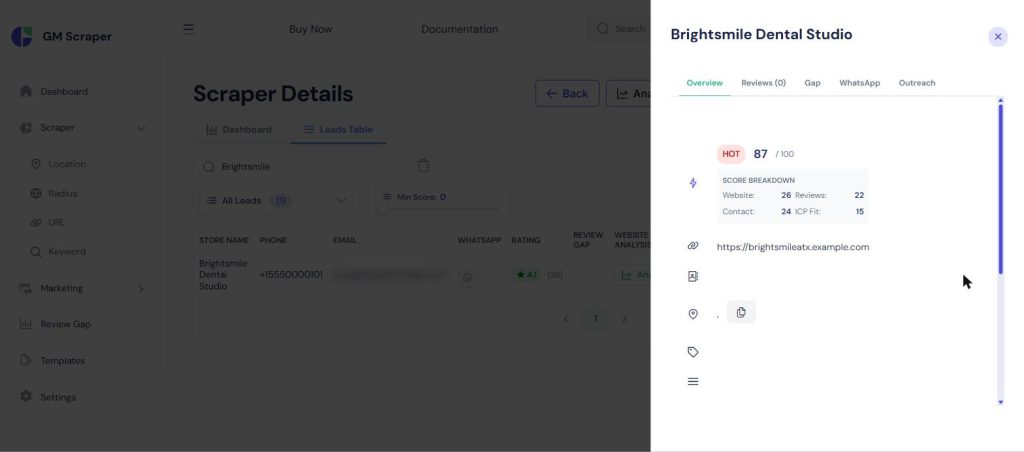
The 0–100 score breaks into four parts:
- Website Opportunity (0–30) — how much room for improvement the business’s website has (speed, mobile, security, SEO basics)
- Review Opportunity (0–25) — how far behind local competitors the business sits on rating and review count
- Contact Reachability (0–25) — whether a verified email, phone, or WhatsApp number exists to actually reach them
- ICP Fit (0–20) — how well the business matches the kind of client worth pitching
Leads land in three tiers from the total: Cold (0–49), Warm (50–69), Hot (70–100).
Website Health, in Detail
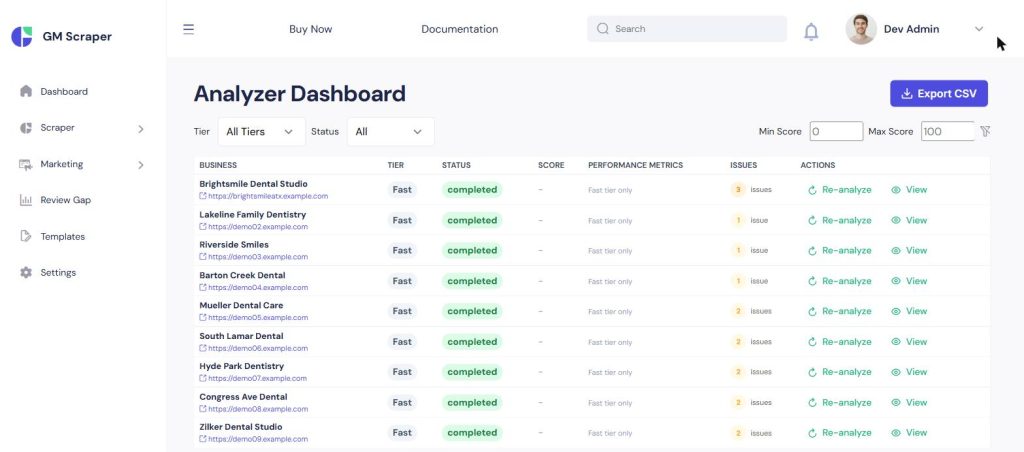
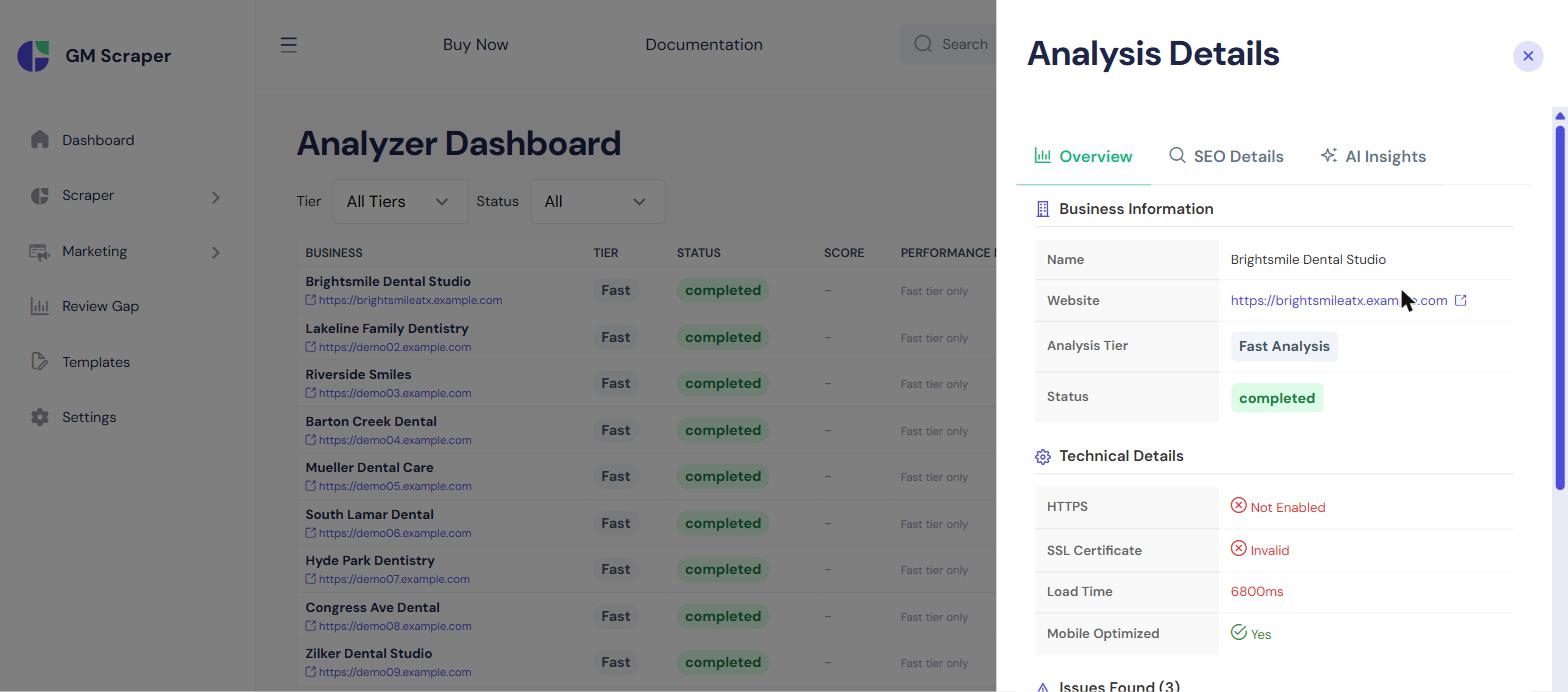
Every lead’s website gets checked for speed, mobile-friendliness, SSL, and basic SEO. Clicking into one shows exactly what’s wrong:
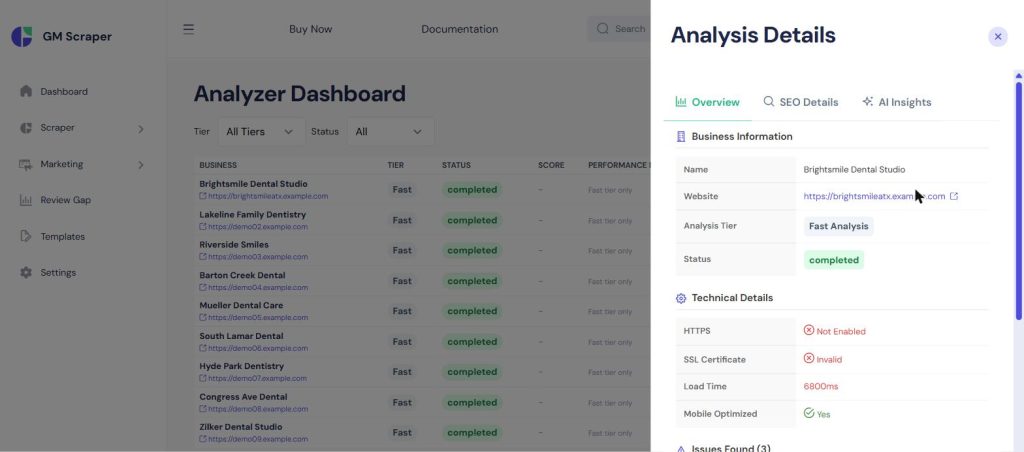
This is also where the pitch in the next stage gets its substance — “your site takes 6+ seconds to load on mobile” is a finding here, not a guess.
Review Gap, in Detail
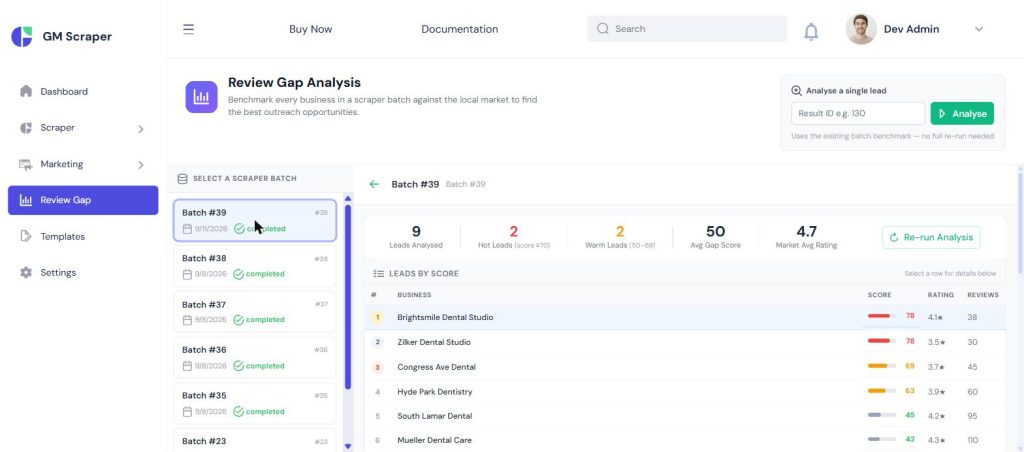
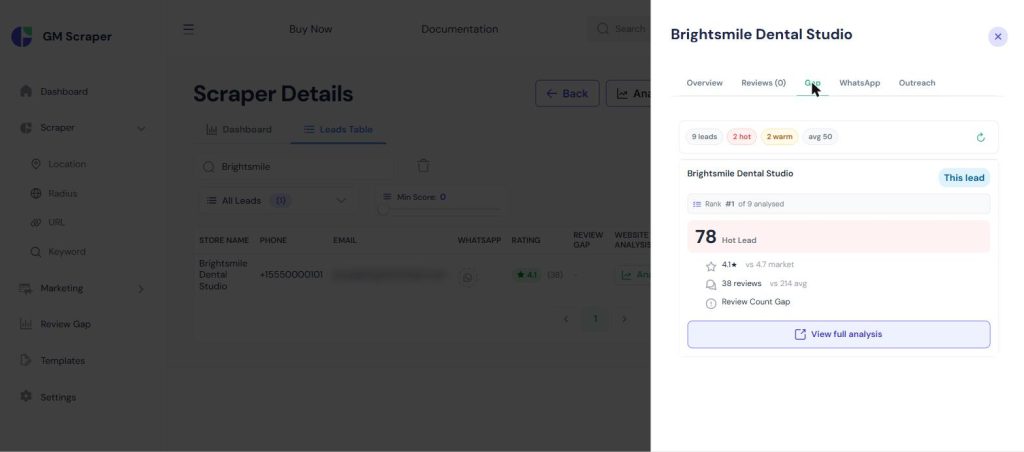
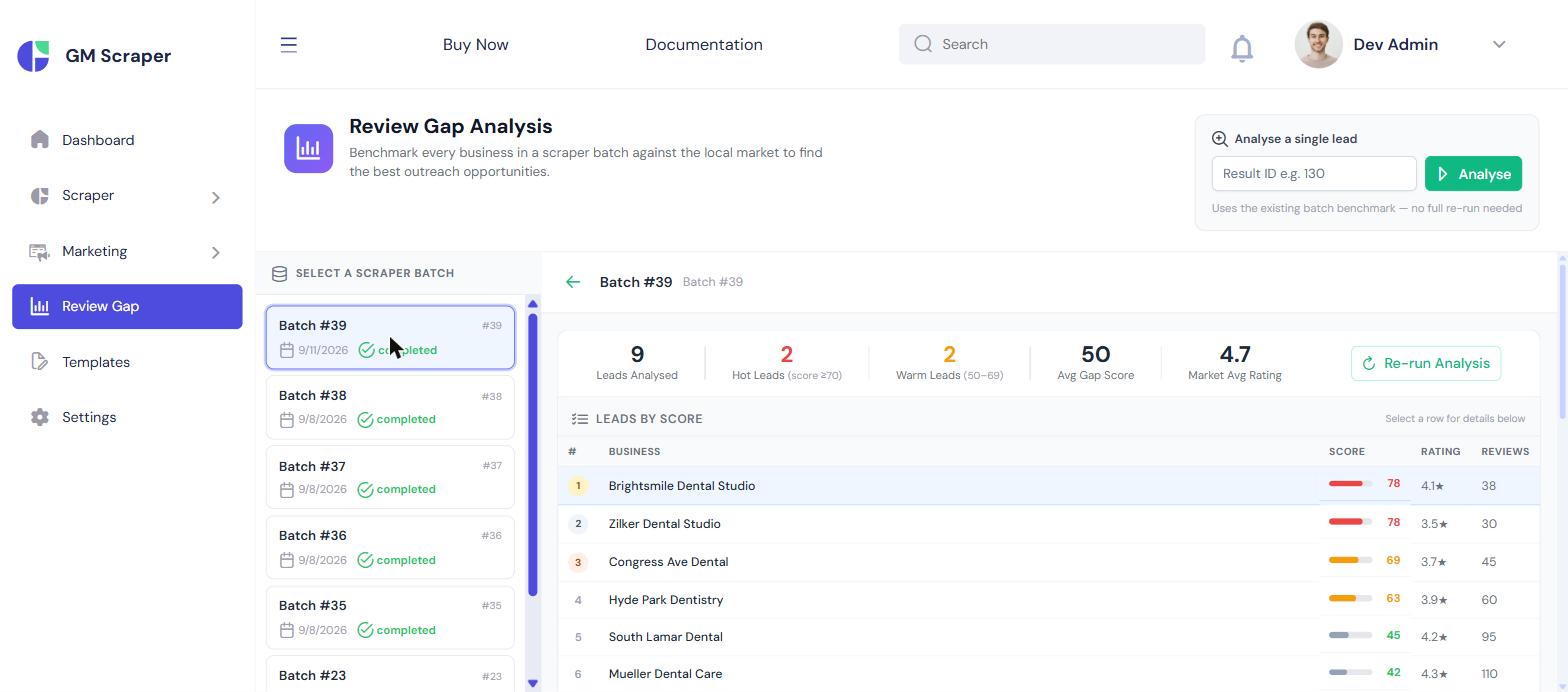
Every business’s rating and review count get benchmarked against the local market average for that search. A business sitting well below the market — fewer reviews, lower rating — scores a bigger gap, which is exactly the kind of thing a business owner already worries about and will read a pitch about.
The Leads Table, Sorted
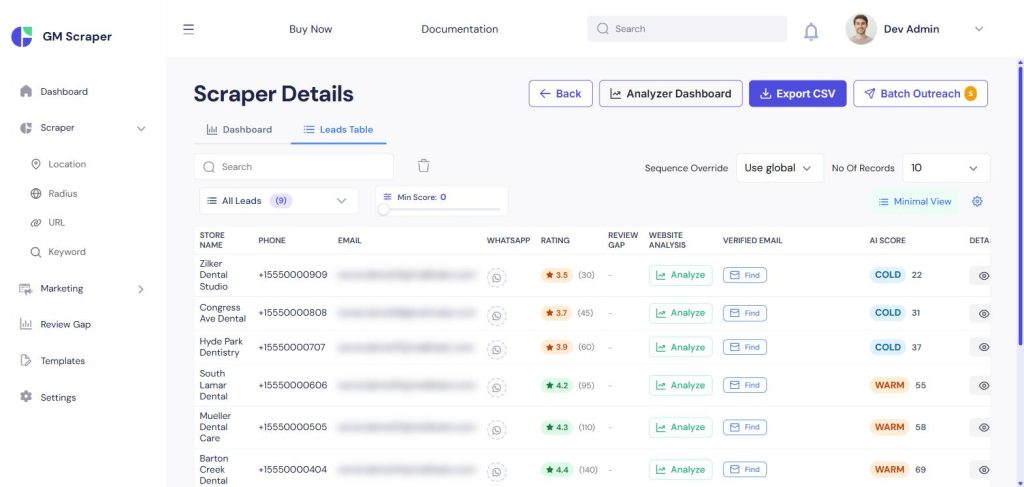
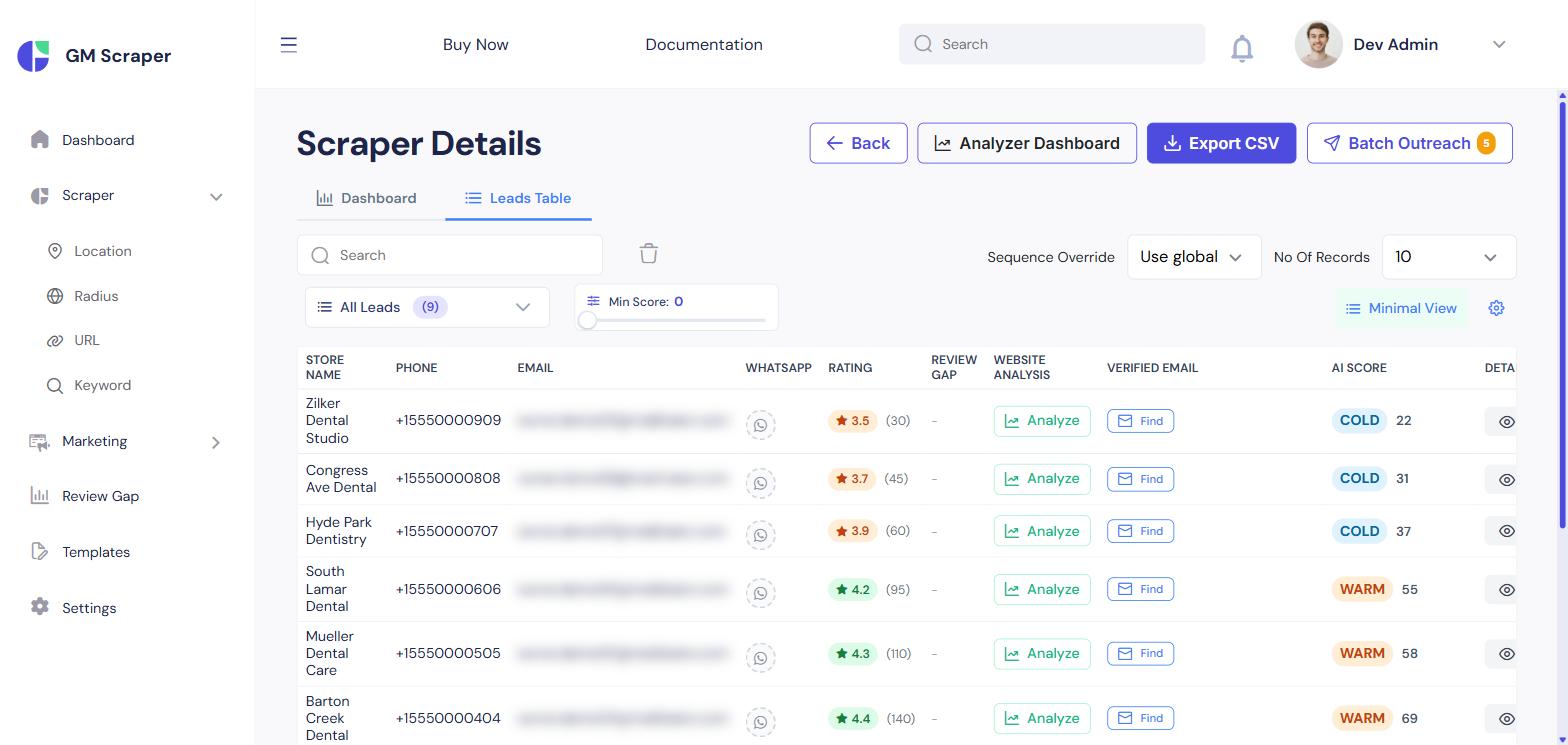
All of this rolls up into one sortable table — quality tier and score are visible next to contact info, so working a batch means starting at the top, not scrolling through nine businesses to find the two worth calling.
What to Do With the Score
Work Hot leads first, always. Warm leads are worth a lighter-touch sequence. Cold leads are usually not worth individual attention — if a batch returns mostly Cold, the search itself (wrong niche, wrong radius) is probably the issue, not the leads.
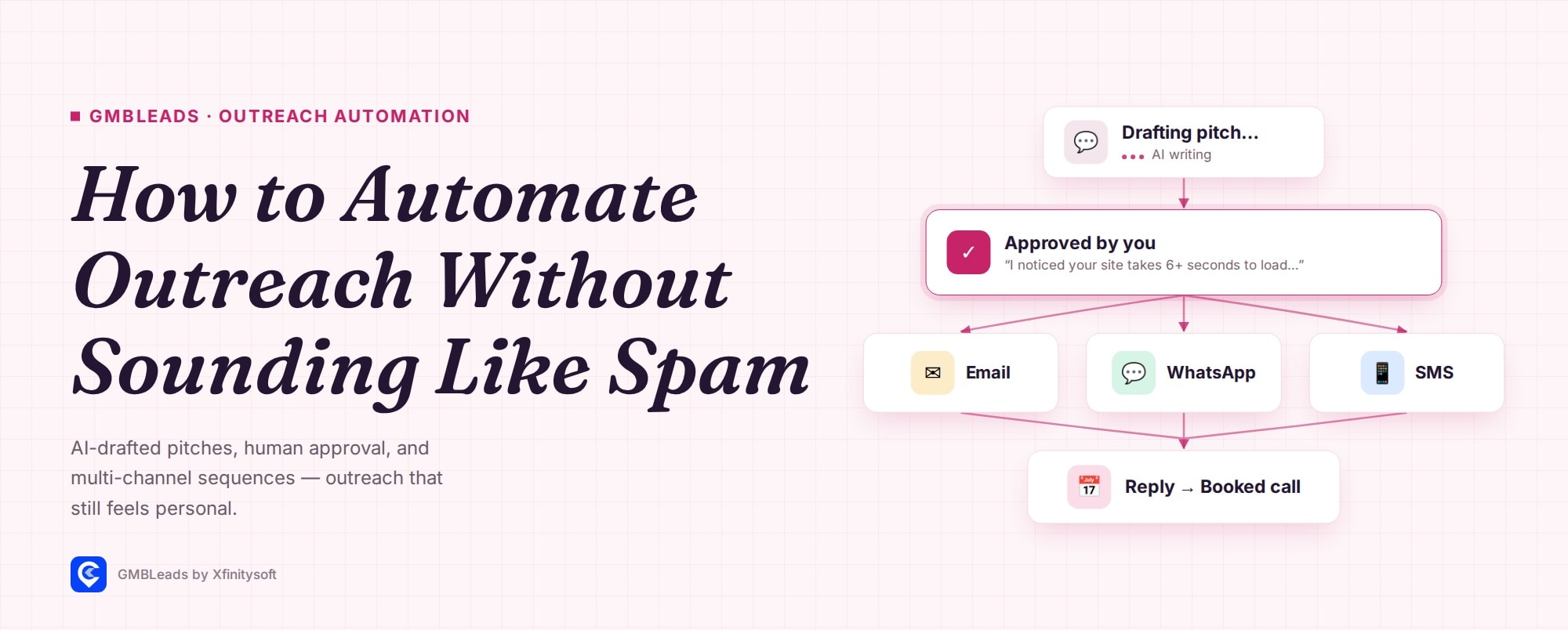
Once you know who’s worth pitching, the next question is what to say — see How to Automate Local Business Outreach Without Sounding Like Spam for how the AI draft uses these exact findings.
How It Works, Step by Step
Run the scrape
Any search mode works; scoring runs automatically on completion.
Check the website analysis
See exactly what's broken per lead.
Check the review gap
See how far behind the local market each lead sits.
Sort by score and work the Hot tier first
The leads table ranks everyone automatically.


Leave a Comment