






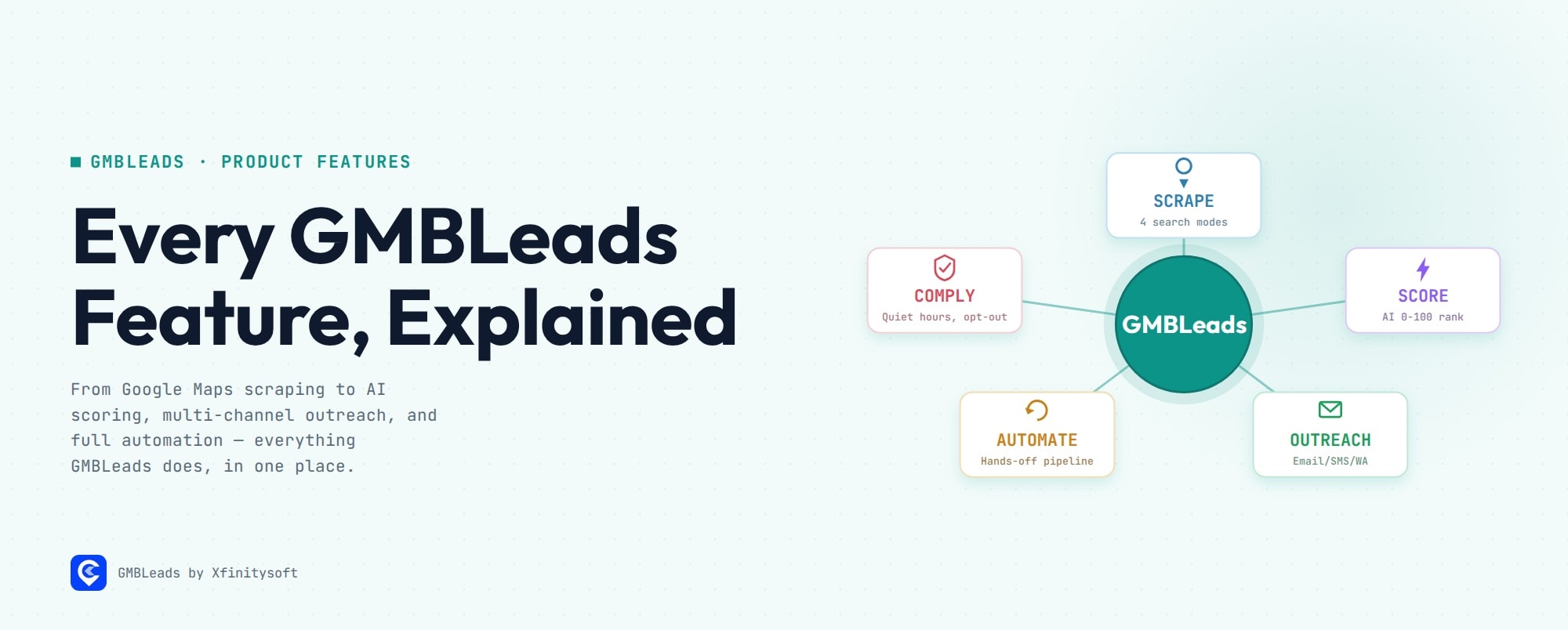
GMBLeads is a self-hosted Google Maps lead-generation tool that scrapes local business data, runs AI-powered website and review analysis to score each lead 0–100, then drafts and sends multi-channel outreach (email, SMS, WhatsApp) with human approval and compliance built in. This page covers every module, including two automation features added after the product’s original CodeCanyon release.
Use the table of contents to jump straight to a section — this is a reference page, not a linear read.
Core Scraping
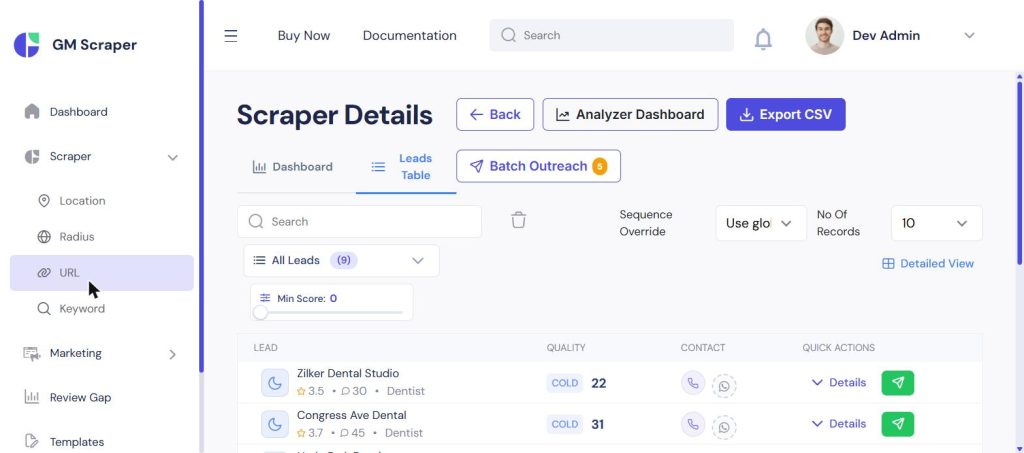
Four ways to pull businesses in:
- Location Search — keyword + city (e.g., “dentist” in “Austin, TX”)
- Radius Search — a geographic radius around a point
- Link Search — paste one or more Google Maps URLs directly
- Keyword List Search — batch a list of search terms in one go
Every scraped business comes back with name, address, phone, email (when discoverable), website, Google rating and review count, operating hours, and map coordinates — the raw material every other module below builds on.
Get GMBLeads → the full feature list continues below.
AI-Powered Lead Intelligence
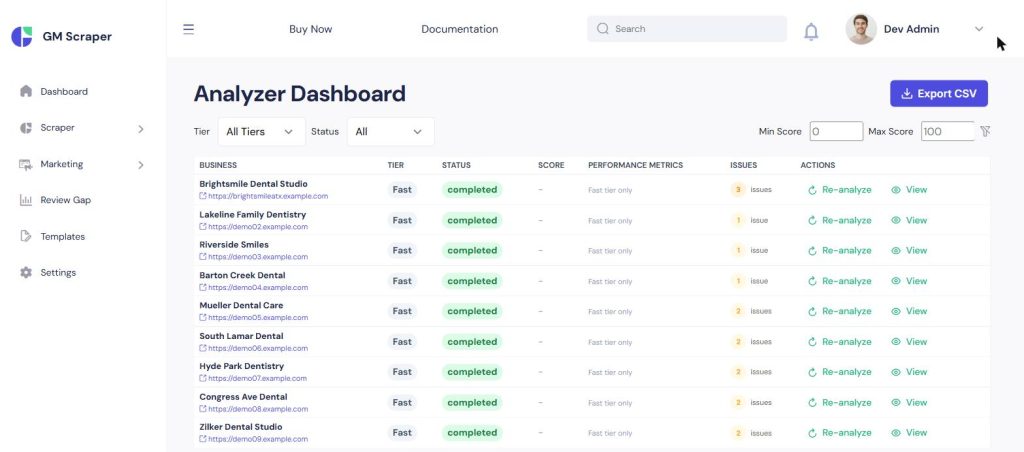
This is where a flat list of scraped businesses turns into a ranked list of leads worth pitching:
- Website Health Check — speed, mobile compatibility, SSL/security, and basic SEO, flagged per business
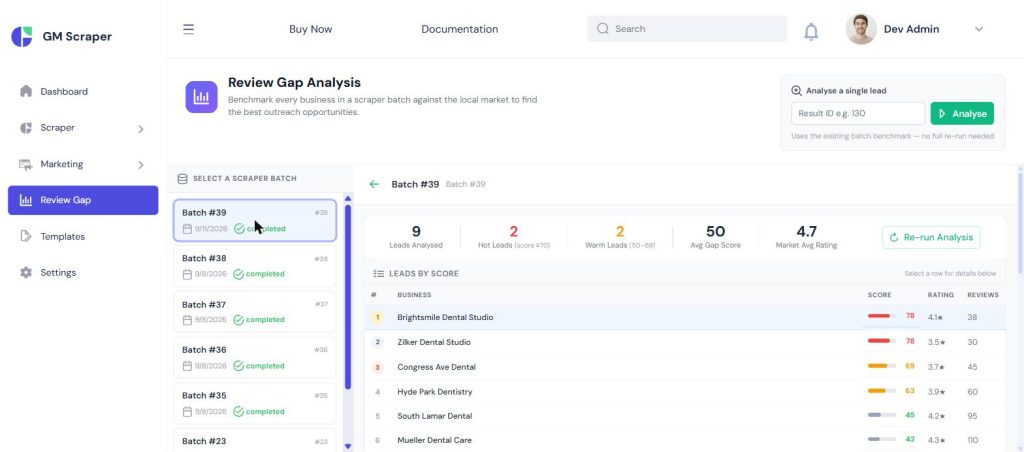
- Review Gap Finder — every business’s rating and review count benchmarked against the local market average for that search
- Email Finder and Checker — discovers and validates a business’s email straight from their website, no manual lookup
- AI Lead Score — all of the above rolls into one 0–100 score, bucketed Cold / Warm / Hot, so the leads worth calling first are obvious without reading nine individual reports
For the full breakdown of how the score is built, see How to Score and Qualify Local Business Leads.
Outreach & Communication
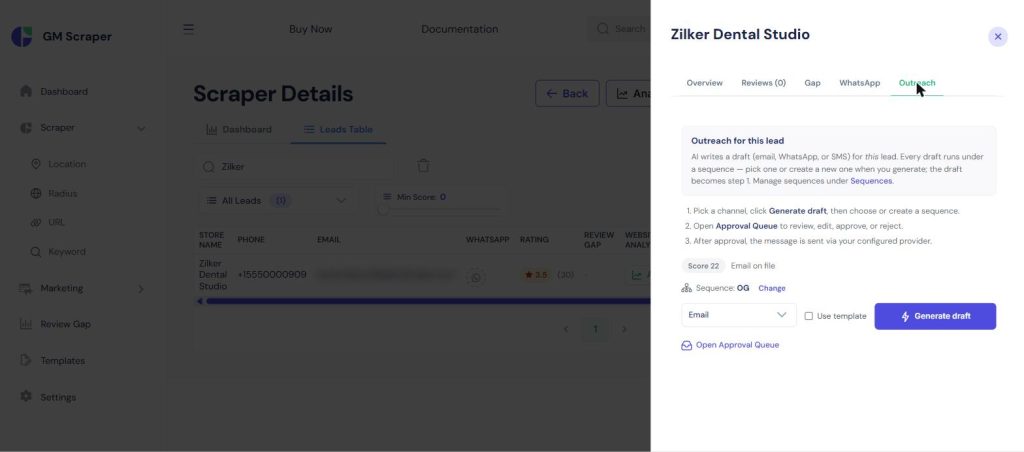
- AI Written First Message — a personalized opener that references the specific pain points found for that business, not a generic template
- Message templates library — reusable starting points when you’d rather not generate fresh each time
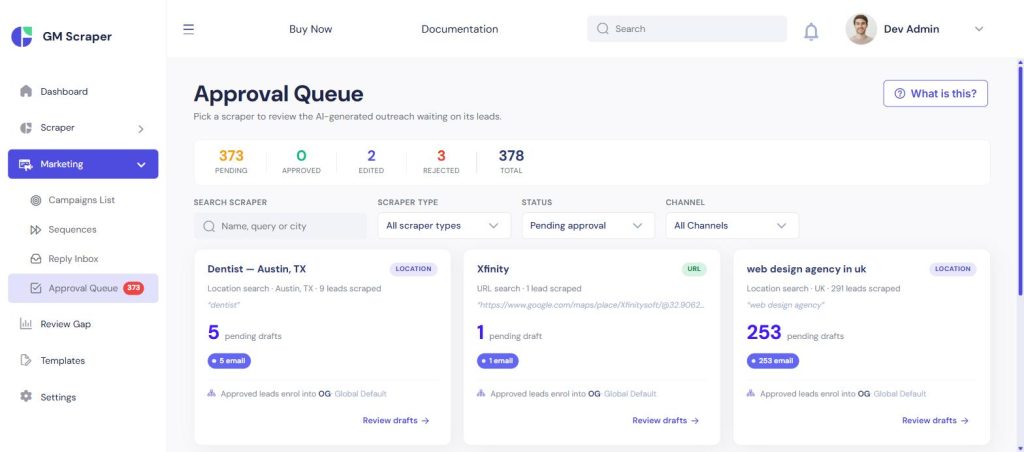
- Approval Queue — every AI draft is reviewed by a human before it sends, unless it clears the auto-approve threshold (see Automation below)
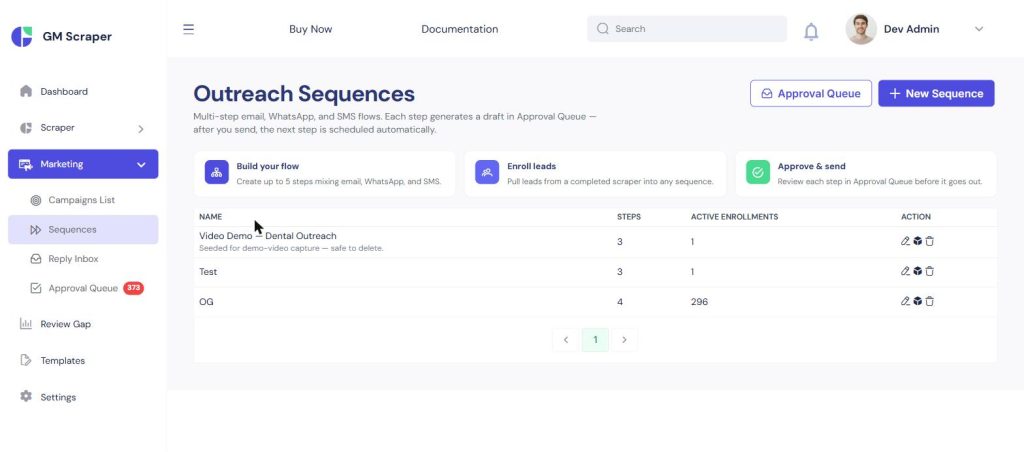
- Multi-channel delivery — email (with sender rotation), WhatsApp Business (template support), and SMS via Twilio
- Three-Channel Outreach Plan — a pre-built sequence that moves a lead through channels automatically over time
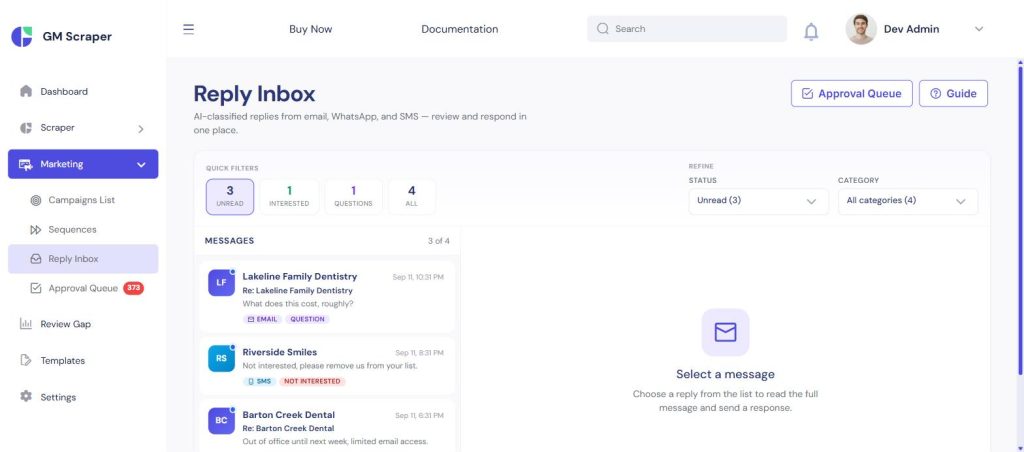
- Smart Reply Inbox — incoming replies are auto-sorted into Interested, Not Interested, Question, Wrong Person, or Out of Office, with a suggested response drafted for you
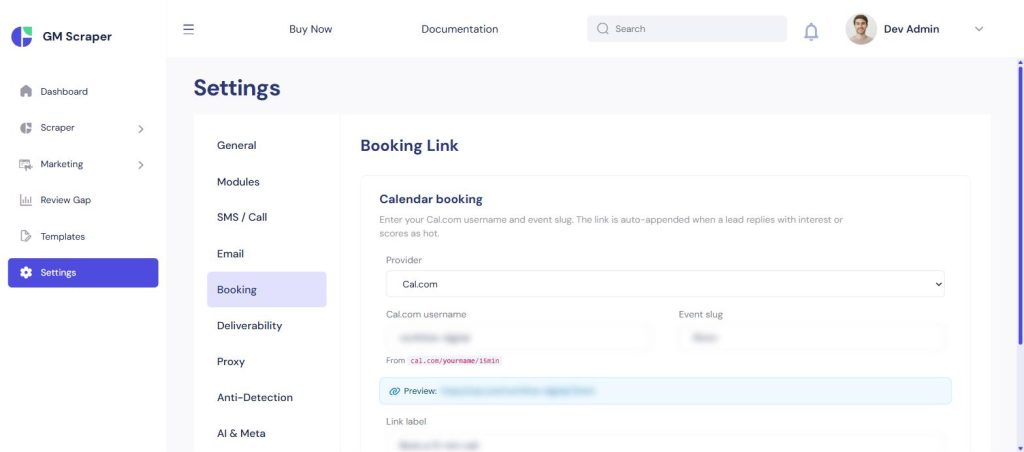
- Booking Link auto-insertion — once a lead replies with interest, a booking link gets inserted into the reply automatically
Full walkthrough: How to Automate Local Business Outreach Without Sounding Like Spam. GMBLeads handles the lead generation and qualification side — once a lead actually books or closes, that relationship typically moves into a CRM like Upping CRM for the long-term follow-up.
New — Public Lead Report Page + Reply Capture
Not on the original CodeCanyon listing — added since launch.
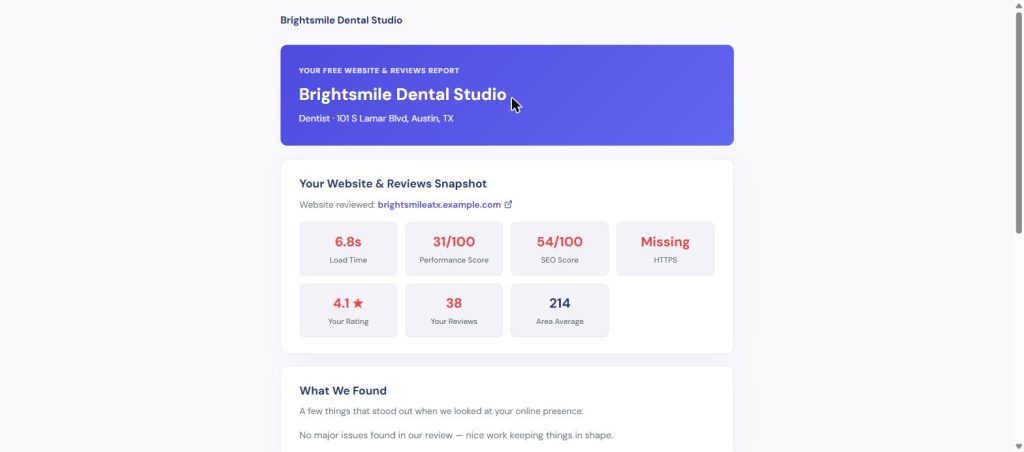
Every scraped lead can get a free, unauthenticated, shareable report page — a professional write-up of the same website and review findings GMBLeads already computed, instead of a raw score. The link drops into outreach via a %report_link% shortcode.
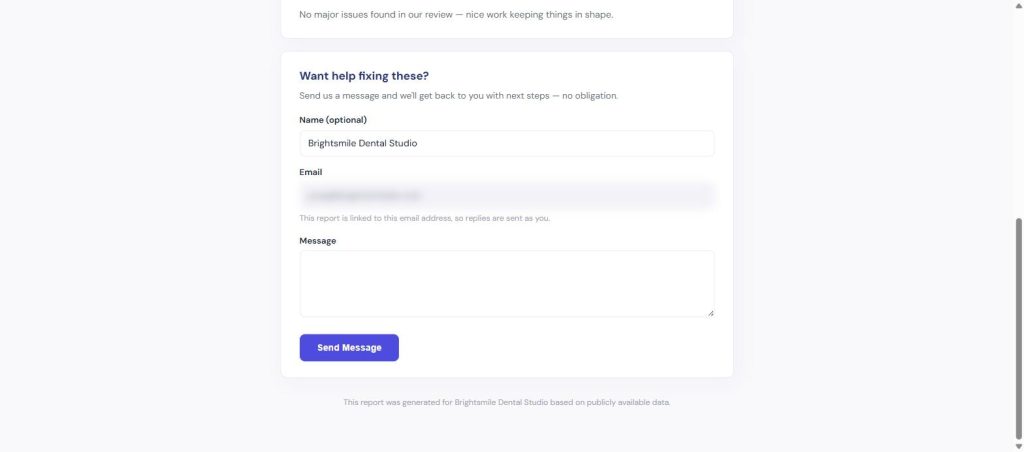
The page ends with a reply form — a lead can respond without ever opening their email client, and that reply lands in the same Smart Reply Inbox as every other channel, triggering the same AI categorization and booking-link injection.
Why it matters: a personalized “here’s what we found” report converts better than a cold pitch alone, and it gives a hesitant lead a lower-friction way to respond than picking up the phone.
New — Fully Automated Lead Pipeline
Not on the original CodeCanyon listing — added since launch.
The intended pipeline — scrape → analyze → score → draft outreach → approve → sequence — can now run hands-off end to end. Add a scraper, and the rest happens on its own: website analysis, review-gap and lead-scoring run automatically, outreach drafts generate once scoring finishes, and messages that clear a score threshold skip the approval queue and auto-enroll straight into a sequence.
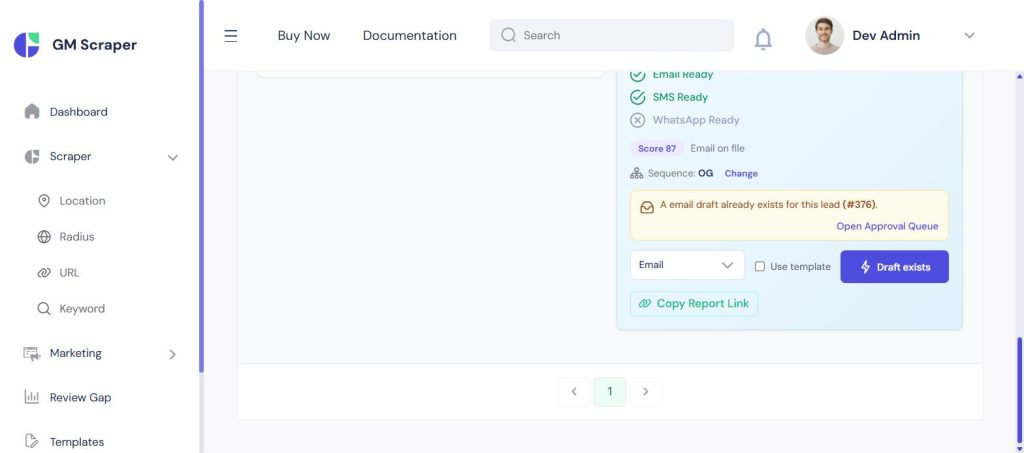
A Sequence Override control on every scraper (visible above the leads table) lets you point a specific batch at a different sequence than the account-wide default — useful when one campaign needs different timing or messaging than the rest.
One guardrail worth knowing: automation never bypasses compliance. An auto-approved, auto-enrolled message still has to clear the same quiet-hours, opt-out, and consent checks as a manually approved one — automation removes clicks, not the compliance gate.
Compliance & Deliverability
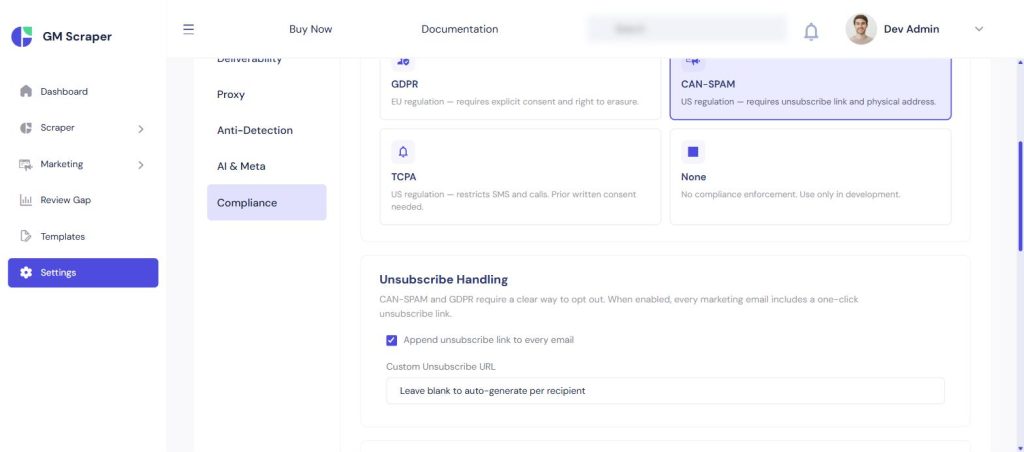
- One-click unsubscribe on every send
- A do-not-contact list that blocks future sends automatically
- Daily sending limits per channel, and configurable quiet hours
- Built-in tools aimed at GDPR, CAN-SPAM, and TCPA requirements — a toolkit, not a legal guarantee; how you use it still matters
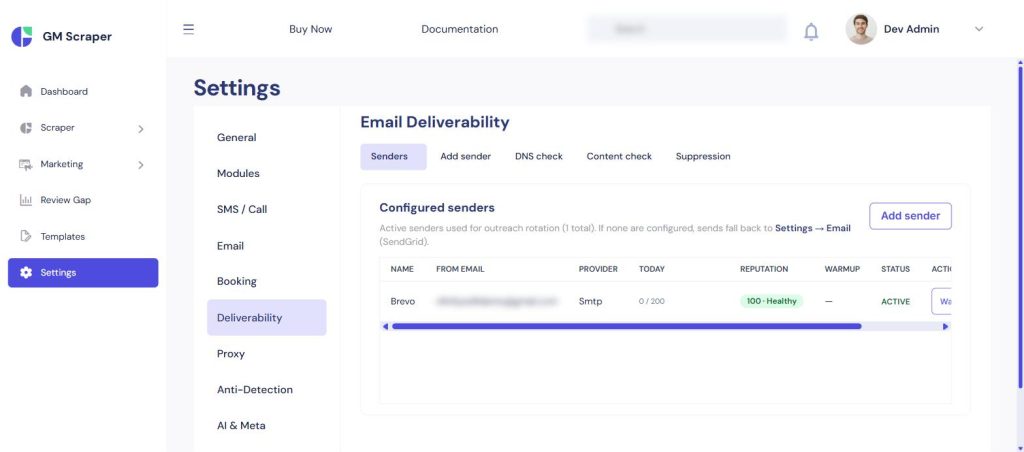
Email warm-up settings and bounce/complaint monitoring, so sending volume ramps up without tanking sender reputation.
Technical Infrastructure
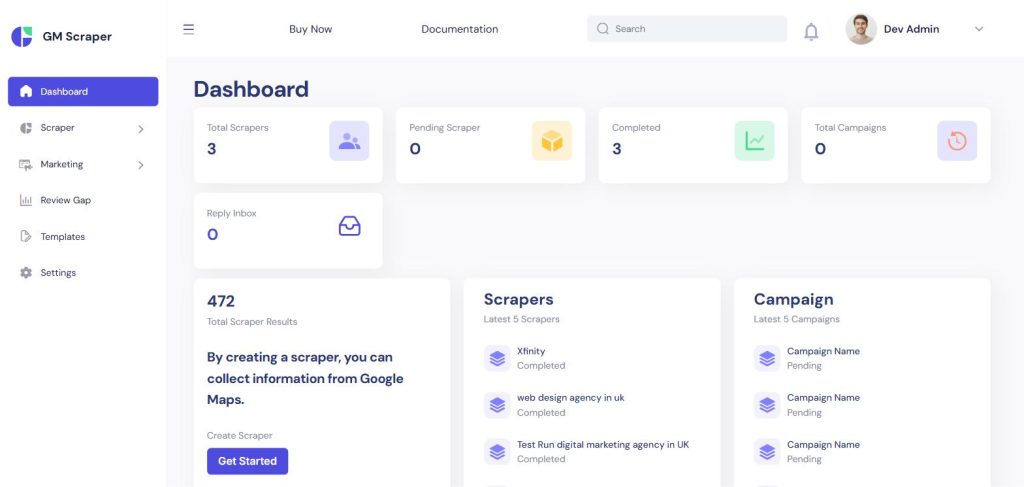
- A live dashboard with real-time progress tracking on running scrapes
- Instant alerts when a lead replies
- Full scraper control — pause, stop, or delete a running job
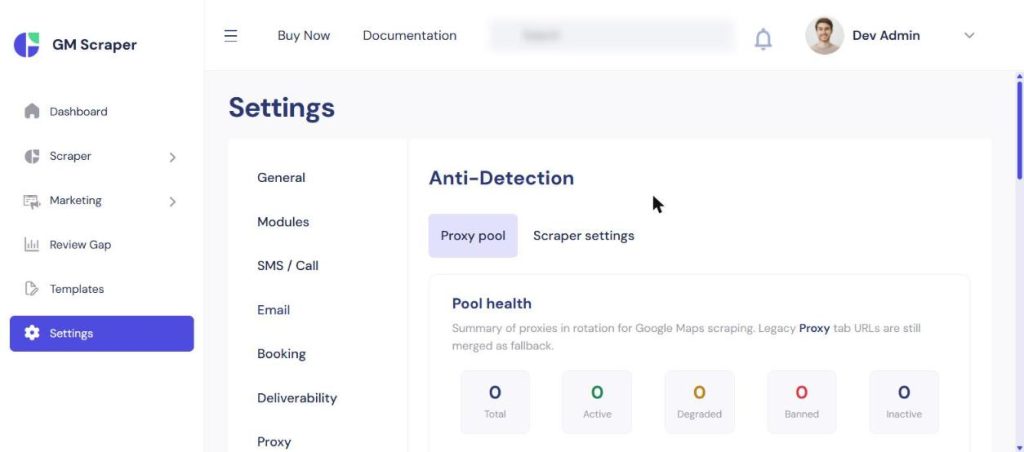
Proxy rotation, browser fingerprinting, and natural timing between requests to keep scraping reliable at volume.
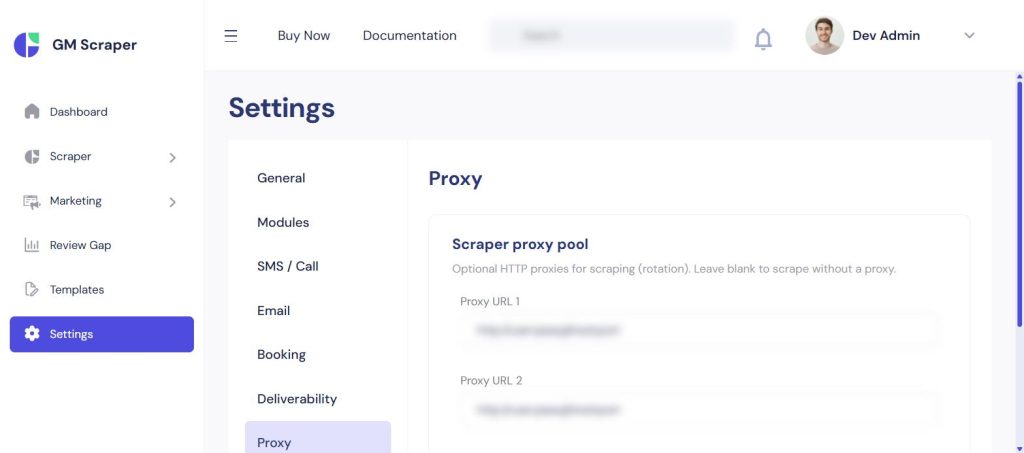
Built on Node.js + Redis for background job processing, with an Angular frontend — the kind of stack detail that matters if your team will ever touch the source.
AI Provider Support
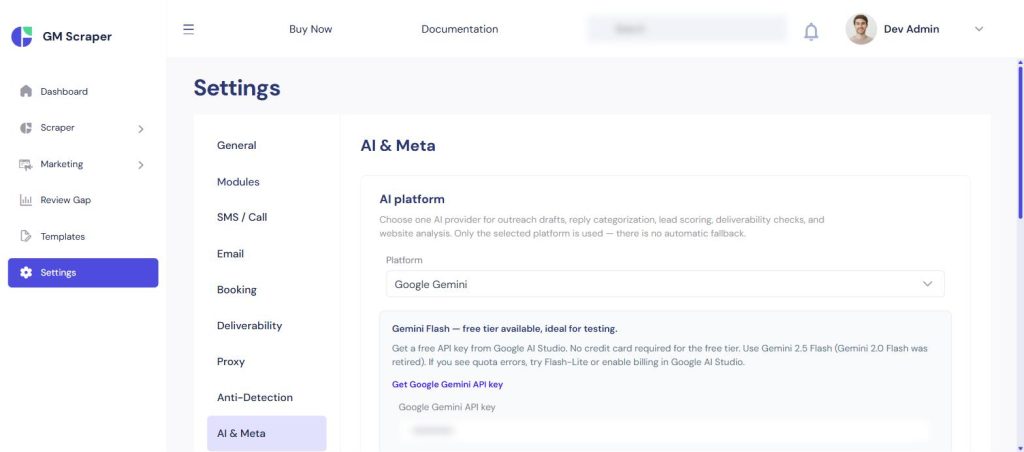
Pick one AI provider — OpenAI, Anthropic Claude, or Google Gemini (Gemini has a free daily tier, good for testing without a card on file). Whichever is selected is used for outreach drafts, reply categorization, lead scoring, deliverability checks, and website analysis — there’s no automatic fallback between providers, so the choice is deliberate, not silent.
What’s Included
GMBLeads ships as a one-time purchase: complete unencrypted source code, an installation guide, and free updates for the version purchased — no monthly fees, no per-lead charges.






Leave a Comment